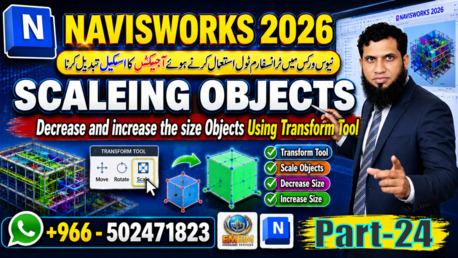
Scale Objects Using Transform Tool
Learn the complete practical method to scale objects in Navisworks 2026 using the Transform Tool. This tutorial covers 100% working techniques in the 2026 version for BIM coordinators, engineers, and clash detection teams.What you’ll learn in Part 24:
What is Scale in Navisworks 2026 and how it differs from Move + Rotate
How to use Transform Tool Ctrl+T to scale objects on X, Y, Z axis
Uniform vs Non-uniform scaling with gizmo + Shift key
Exact numeric scaling using Properties > Geometry tab Real project use: Unit conversion, clash clearance checks, space planning
Important limits of Scale tool in Navisworks 2026
Scale is used daily for quick visualization, unit fixes, and coordination studies without changing the original Revit/CAD model.
Keywords: Navisworks 2026, Scale Objects Navisworks, Transform Tool Navisworks, Navisworks Tutorial 2026, BIM Coordination, Clash Detection, Navisworks Transform Scale, How to scale in Navisworks, Autodesk Navisworks 2026 tutorial, Navisworks unit conversion, BIM Engineer Training
Hashtags:
#Navisworks2026 #NavisworksTutorial #TransformTool #ScaleObjects #BIMCoordination #ClashDetection #AutodeskNavisworks #BIM #NavisworksTips #BIMEngineer #RevitToNavisworks #ConstructionTech #NavisworksTraining #EMBIM #BIMTutorialConnect with us:
For BIM Training & Consultancy: WhatsApp +966-502471823
EM BIM Consultant Services - Riyadh, KSA
Follow me to learn in Urdu
https://youtu.be/0s1GVaY_jb ...