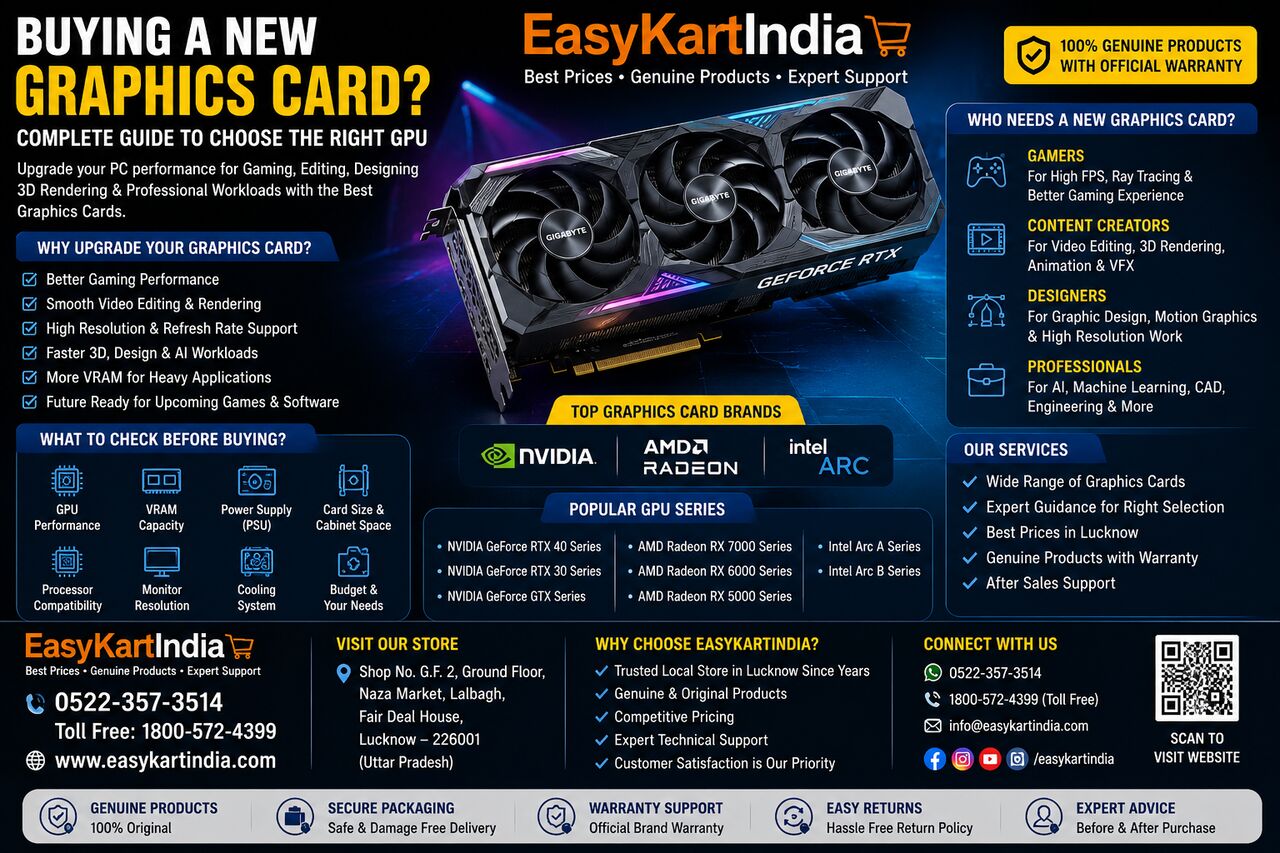
Are you **buying a new graphics card** for gaming, video editing, graphic design, 3D rendering, AI applications, or professional workloads? Choosing the right GPU can significantly improve your computer's graphics performance, but selecting a graphics card is not simply about buying the most powerful model available.
Your choice should depend on your budget, monitor resolution, games or applications, power supply, PC cabinet space, processor, and required graphics performance.
With graphics cards available from manufacturers and GPU platforms such as NVIDIA GeForce, AMD Radeon, and Intel Arc, buyers have many options to consider. Checking the complete specifications before purchasing can help you choose a card that fits your system and requirements.
Why Upgrade to a New Graphics Card?
A graphics card processes visual information and is especially important for gaming, creative applications, video editing, 3D workloads, and other GPU-intensive tasks.
Upgrading your graphics card can help improve:
* Gaming performance
* Video editing
* 3D rendering
* Graphic design
* Animation
* AI and GPU-based applications
* High-resolution display performance
* Multiple-monitor setups
However, the improvement you get depends on your existing hardware and the application you use.
What to Check Before Buying a New Graphics Card?
Before **buying a new graphics card**, check your complete PC configuration.
Important factors include:
* GPU model
* VRAM capacity
* Graphics architecture
* Power consumption
* Recommended PSU
* Power connectors
* Card dimensions
* PCIe compatibility
* Monitor resolution
* Cooling requirements
* Processor performance
* Budget
Checking these specifications can help prevent compatibility problems after purchasing the card.
NVIDIA, AMD or Intel Graphics Card?
The GPU market includes products from several major platforms.
NVIDIA Graphics Cards
NVIDIA GeForce graphics cards are widely used for gaming, creative applications, and other GPU-intensive workloads. Current GeForce product specifications include information about graphics power, system power requirements, dimensions, display support, and power connectors.
Different GeForce models are designed for different performance levels, so buyers should compare the exact model rather than choosing only based on the NVIDIA brand.
AMD Radeon Graphics Cards
AMD Radeon is another major graphics platform offering desktop graphics products across different performance categories. AMD provides official product specifications for its Radeon graphics range.
Radeon graphics cards can be considered for gaming, content creation, and other graphics-intensive applications depending on the model.
Intel Arc Graphics Cards
Intel Arc graphics cards provide another option for PC users looking for modern GPU features and performance at different price levels.
When comparing NVIDIA, AMD, and Intel, focus on the actual performance, software support, features, price, and requirements of the specific graphics card.
How Much VRAM Do You Need?
VRAM is the dedicated memory available to the graphics processor.
The amount of VRAM you need depends on your workload.
For everyday graphics requirements and many mainstream gaming systems, a lower VRAM configuration may be sufficient. Higher-resolution gaming, demanding creative applications, large textures, and professional workloads can require more VRAM.
Instead of choosing a graphics card only because it has more VRAM, compare the complete GPU architecture and performance.
Check Your Power Supply Before Buying
One of the most important steps when upgrading a GPU is checking your power supply.
A more powerful graphics card can require significantly more power. NVIDIA's official specifications, for example, list both graphics-card power and recommended system power for individual models.
Before purchasing, check:
* PSU wattage
* PSU quality
* Available PCIe power connectors
* Required system power
* Other components' power requirements
For example, NVIDIA's RTX 5070 family specifications list different total graphics power and required system power values depending on the model.
Never assume that an existing PSU will automatically be suitable for a new GPU.
Check Graphics Card Size
Graphics cards can vary considerably in length, width, and slot thickness.
Before buying a new GPU, measure the available space inside your computer cabinet.
Check:
* Maximum GPU length
* GPU width
* Number of slots
* Clearance around the card
* Front fans or radiator space
* Cable clearance
A graphics card may technically support your motherboard but still fail to fit comfortably inside the cabinet.
Check Your Monitor Resolution
Your monitor resolution should also influence your GPU choice.
1080p Gaming
For Full HD gaming, you generally do not need the same level of GPU performance required for high-resolution gaming.
1440p Gaming
1440p gaming can benefit from a stronger GPU, particularly when using higher graphics settings or demanding games.
4K Gaming
4K gaming requires substantially more graphics performance. Higher-end GPUs are generally more appropriate for demanding 4K workloads.
Your monitor's refresh rate is also important. A high-refresh-rate monitor can benefit from a GPU capable of producing higher frame rates.
Choose a Graphics Card According to Your Usage
For Gaming
Gamers should consider:
* GPU performance
* VRAM
* Resolution
* Refresh rate
* Ray tracing features
* Upscaling technologies
* Cooling
* PSU requirements
Don't buy a high-end GPU if your monitor and games do not require that level of performance.
For Video Editing
Video editors should consider GPU acceleration, VRAM, software compatibility, video encoding features, and overall system performance.
The ideal GPU depends on the editing software and type of projects you work with.
For Graphic Design
Graphic designers should consider display resolution, application compatibility, VRAM requirements, and overall system performance.
For many design applications, a balanced system can be more useful than spending the entire budget on the GPU.
For 3D Rendering
3D rendering can benefit significantly from GPU performance. Before purchasing, check whether your preferred rendering software supports the graphics architecture and features of the GPU you are considering.
Don't Ignore Your Processor
A graphics card is only one part of a gaming or workstation PC.
If your processor is significantly weaker than the GPU, it may limit performance in some workloads.
Before upgrading, consider:
* CPU
* RAM
* Motherboard
* PSU
* Storage
* Cooling
* Monitor
A balanced configuration can provide a better overall