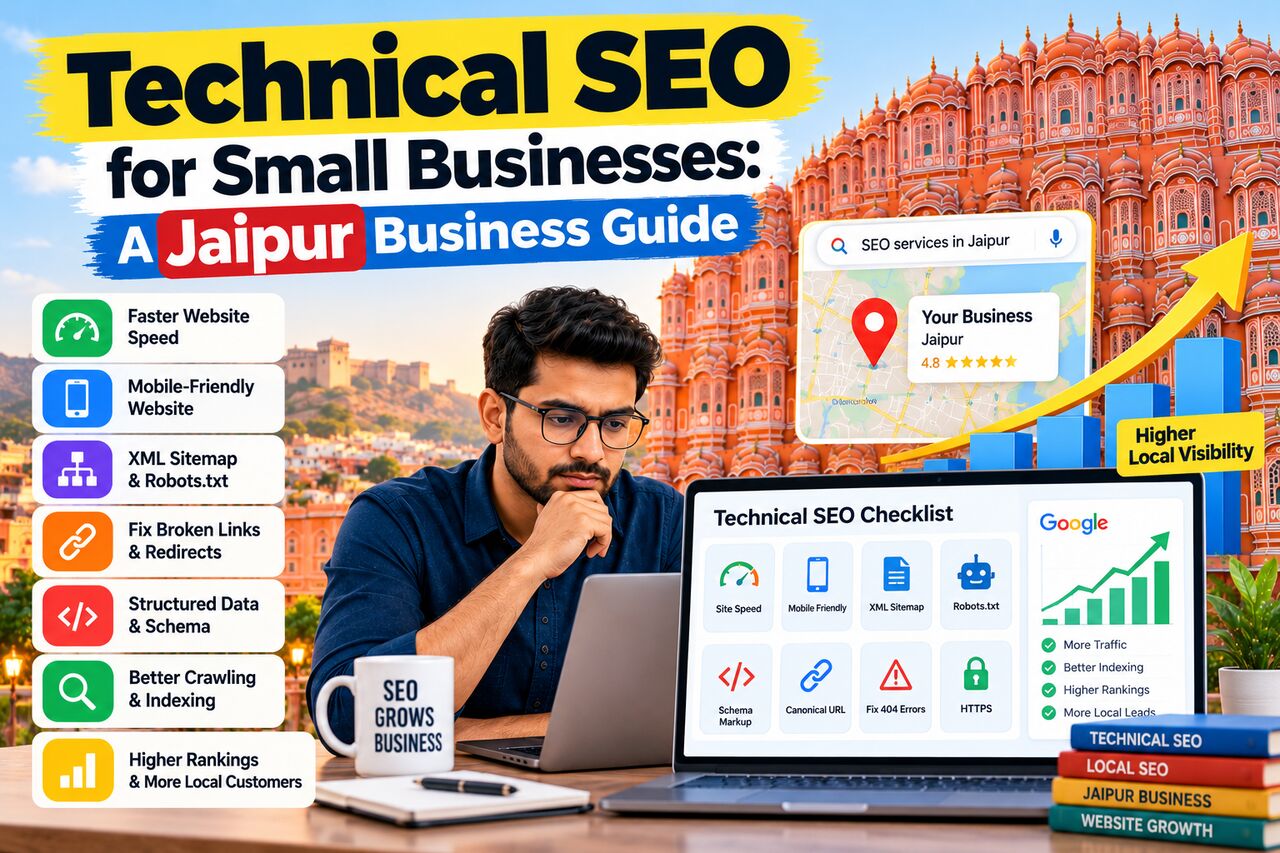
A good-looking website is not enough to get consistent traffic from Google.
Your website also needs a strong technical foundation so search engines can crawl, understand, and index your pages correctly.
For small businesses in Jaipur, **Technical SEO** can be especially important. A local business website may have only a few pages, but technical problems can still affect its visibility, user experience, and ability to generate enquiries.
This guide explains technical SEO in simple terms and shows how Jaipur businesses can improve their websites.
## What Is Technical SEO?
Technical SEO focuses on the technical parts of a website that affect search engine crawling, indexing, performance, and usability.
Unlike content SEO, technical SEO is less about writing articles and more about making sure your website works properly for both users and search engines.
Technical SEO can include:
- Website speed
- Mobile usability
- Crawling
- Indexing
- XML sitemap
- Robots.txt
- Canonical URLs
- HTTPS
- Structured data
- URL structure
- Internal linking
- Redirects
- Broken links
- JavaScript rendering
- Core Web Vitals
You do not need to fix every technical issue just because an SEO tool reports it.
The focus should be on issues that can actually affect your website's visibility or user experience.
## Why Technical SEO Matters for Jaipur Businesses
Small businesses often depend on local customers.
A customer might search for:
- SEO expert in Jaipur
- Dentist in Jaipur
- Interior designer in Jaipur
- Hotel in Jaipur
- Real estate company in Jaipur
- Digital marketing agency in Jaipur
If your website has technical problems, Google may struggle to crawl or understand important pages.
A technically sound website gives search engines a better foundation for discovering and understanding your content.
It can also improve the experience for people who visit your website from Google.
## 1. Make Your Website Easy to Crawl
Search engines use crawlers to discover website pages.
If important pages are blocked or difficult to access, they may not be discovered properly.
Check whether your important pages can be crawled.
Pay attention to:
- Robots.txt
- Internal links
- Navigation
- Redirects
- Server errors
- Orphan pages
- Incorrect noindex tags
Your important service pages should be easy to reach from other relevant pages on your website.
## 2. Check Google Indexing
A page being published does not automatically mean it will perform well in Google.
First, make sure important pages are eligible for indexing.
Common indexing problems include:
- Accidental noindex tags
- Incorrect canonical tags
- Pages blocked by robots.txt
- Duplicate URLs
- Server errors
- Poor internal linking
You can use Google Search Console to understand which pages Google has discovered and indexed.
## 3. Create and Maintain an XML Sitemap
An XML sitemap provides search engines with information about important URLs on your website.
For a small business website, the sitemap should normally contain the URLs you want search engines to discover and index.
Check that:
- Important pages are included
- Incorrect URLs are removed
- Redirected URLs are not unnecessarily included
- Broken URLs are removed
- The sitemap is accessible
After creating your sitemap, submit it through Google Search Console.
## 4. Check Your Robots.txt File
The robots.txt file gives crawlers instructions about which areas they can access.
A common mistake is accidentally blocking important sections of a website.
For example, if a service page is blocked unintentionally, search engines may have difficulty crawling it.
Review your robots.txt file after major website changes, migrations, or redesigns.
## 5. Use HTTPS
Your website should use HTTPS.
HTTPS encrypts information exchanged between a website and its visitors.
Most modern websites already use HTTPS, but technical problems can still occur.
Check for:
- HTTP versions redirecting to HTTPS
- Mixed content
- Invalid SSL certificates
- Incorrect redirects
Your preferred version should be consistent across the website.
## 6. Improve Website Speed
Website speed affects the user experience.
People are less likely to stay on a website that takes too long to load.
Common causes of slow websites include:
- Large images
- Too many plugins
- Unoptimized JavaScript
- Unnecessary CSS
- Poor hosting
- Third-party scripts
- Heavy website themes
- Large video files
You can improve performance by compressing images, reducing unnecessary scripts, optimizing code, and using suitable hosting.
## 7. Pay Attention to Core Web Vitals
Google provides Core Web Vitals as a way to assess important aspects of page experience.
The main metrics include:
- **LCP:** Measures loading performance.
- **INP:** Measures responsiveness to user interactions.
- **CLS:** Measures visual stability.
You should not optimize these numbers blindly.
Instead, identify real performance problems that affect visitors and fix them systematically.
## 8. Make Your Website Mobile-Friendly
Many local customers use smartphones to search for businesses.
Your website should work properly on smaller screens.
Check:
- Text size
- Buttons
- Navigation
- Images
- Forms
- Phone links
- Page layout
- Loading speed
A customer searching for a business in Jaipur should be able to quickly understand your service and contact you from their phone.
## 9. Fix Broken Links
Broken links can create a poor user experience.
They can also make website maintenance more difficult.
Regularly check for:
- 404 pages
- Broken internal links
- Broken external links
- Incorrect URLs
- Old service pages
If a page has permanently moved, use an appropriate redirect rather than leaving users on a broken URL.
## 10. Use a Clean URL Structure
Your URLs should be simple and descriptive.
For example:
`example.com/seo-services-jaipur/`
is easier to understand than:
`example.com/page?id=78234`
Avoid changing URLs without a good reason.
If you do need to change an important URL, plan the migration carefully and use redirects where appropriate.
## 11. Optimize Internal Linking
Internal links connect different pages on your website.
They help visitors discover related information and help search engines understand the relationship between pages.
For example, a blog about technical SEO can link naturally to:
- SEO Services in Jaipur
- SEO Expert in Jaipur
- Local SEO Jaipur
- SEO Audit Services
Do not add internal links simply t