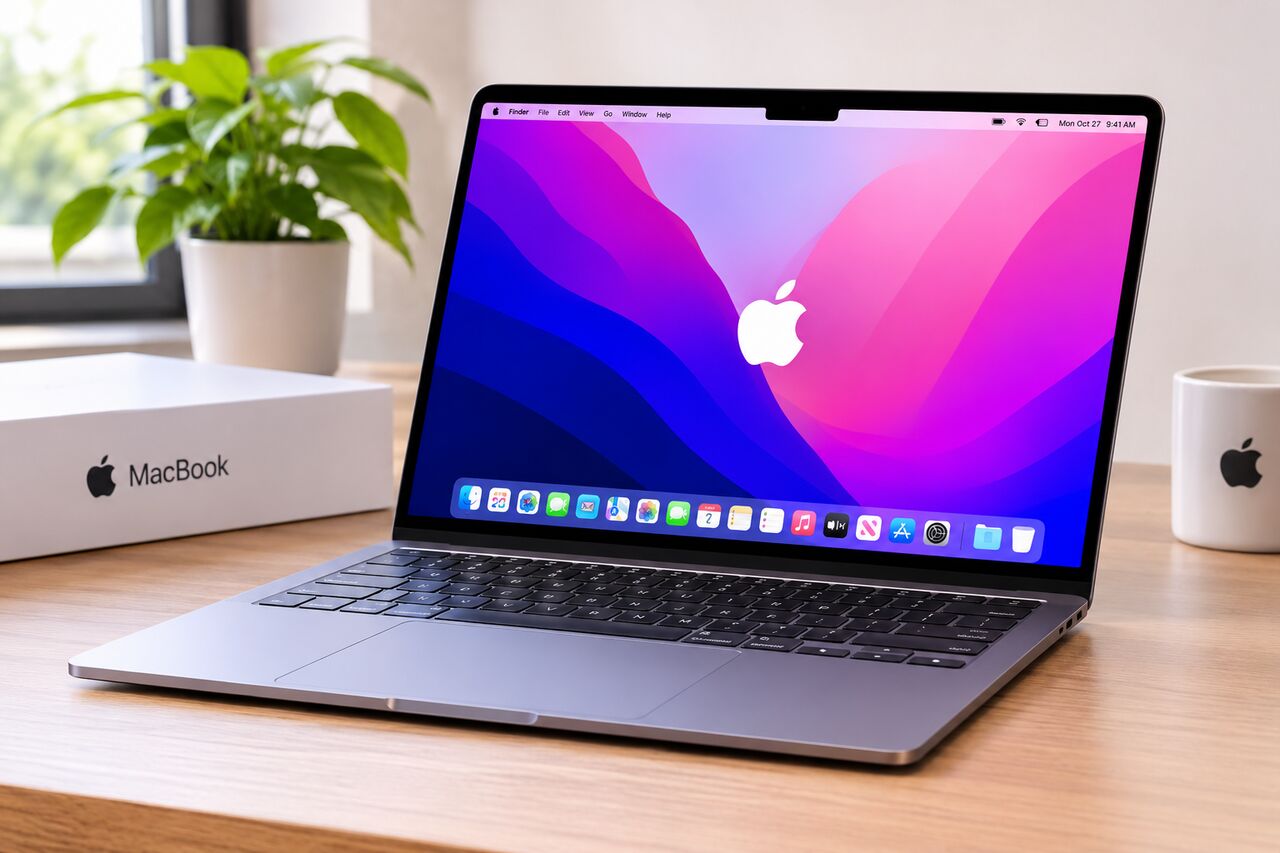
Diwali is one of the best times of the year to buy a new laptop. With festive sales, attractive discounts and special shopping offers, you may find a good laptop without spending too much money. But with so many models available, choosing the right one can become confusing.
Visit our Website Now : https://easykartindia.com/
Are you looking for a laptop under ₹30,000 for online classes, office work, online meetings, browsing or everyday use? Don't worry. You don't always need to spend ₹50,000 or more to get a laptop for basic computing needs.
In this guide, we have selected five budget-friendly laptop options worth considering during the **Diwali Sale 2026**. We will look at their specifications, expected price range, advantages and the type of user they are suitable for.
If you are shopping in Lucknow, you can also explore laptop deals at **EasyKart India, Naza Market, Lucknow
Top 5 Best Laptops Under ₹30,000 in 2026
Here are five options to consider before making your festive purchase.
1. Lenovo V15 – A Good Choice for Everyday Work
If you need a laptop for regular office tasks, online classes, browsing and multitasking, the Lenovo V15 deserves a place on your shortlist.
Some configurations of the Lenovo V15 come with an AMD Ryzen 3 processor, 8GB RAM and 512GB SSD storage. This combination offers a practical balance for everyday productivity.
Key specifications:
- Processor: AMD Ryzen 3 5300U (selected configuration)
- RAM: 8GB
- Storage: 512GB SSD
- Display: 15.6-inch
- Graphics: Integrated AMD graphics
Why consider it?
The Ryzen 3 processor and SSD storage make this configuration a more interesting option for everyday work than many entry-level Celeron laptops. It is suitable for students and office users who need a traditional Windows laptop.
Approximate price: ₹28,000–₹30,000, depending on configuration and offers.
2. Infinix INBook Y3 Max – For Multitasking on a Budget
The Infinix INBook Y3 Max is worth checking out if you prefer a larger display and more memory.
Some available configurations offer 16GB RAM and 512GB SSD storage. That is a useful combination for people who regularly work with multiple browser tabs, documents and office applications.
Key specifications:
- RAM: Up to 16GB
- Storage: 512GB SSD
- Display: 16-inch
- Operating System: Windows 11
Why consider it?
Its larger display makes working on spreadsheets, documents and presentations more comfortable. The 16GB RAM configuration is particularly attractive at this price.
**Approximate price:** Around ₹29,999 for selected listings.
3. Acer Aspire 3 – A Compact Budget Laptop
The Acer Aspire 3 series has several entry-level configurations. One option listed in the budget segment is the Acer Aspire 3 A311-45.
It is designed for basic computing, browsing, online learning and everyday activities.
Key specifications:
- Processor: Intel Celeron N4500
- RAM: 8GB
- Storage: 256GB SSD
- Display: 11.6-inch
- Graphics: Intel UHD Graphics
**Why consider it?**
Its compact size makes it convenient for students who want a smaller laptop to carry around. The 8GB RAM and SSD storage are useful for basic everyday tasks.
However, the smaller display and entry-level processor may not be suitable for heavy multitasking or demanding software.
**Approximate price:** ₹27,990.
4. Primebook 2 Pro – An Alternative for Students
Not everyone needs a traditional Windows laptop. If your daily activities mainly involve browsing, online learning, watching videos and using web-based applications, the Primebook 2 Pro can be another option.
It uses Android-based PrimeOS rather than Windows, so check software compatibility before purchasing.
**Key specifications:**
- Processor: MediaTek Helio G99
- RAM: 8GB
- Storage: 128GB UFS
- Display: 14.1-inch Full HD
- Operating System: Android 15-based PrimeOS
**Why consider it?**
The Primebook 2 Pro is designed for students and users who mainly work with online applications. Its lightweight operating environment and Full HD display make it worth considering for basic tasks.
Remember, it is not a direct replacement for a Windows laptop if you depend on Windows-only desktop software.
**Approximate price:** ₹26,989.
### 5. ASUS Chromebook CM1405 – For Online Learning and Browsing
The ASUS Chromebook CM1405 is another budget-friendly option for people who spend most of their time online.
Chromebooks use ChromeOS instead of Windows. They are particularly useful for web browsing, Google Workspace, online classes and cloud-based work.
**Key specifications:**
- Processor: MediaTek Kompanio 540
- RAM: 4GB
- Storage: 128GB
- Display: 14-inch
- Operating System: ChromeOS
**Why consider it?**
If you mainly use Google Docs, Gmail, YouTube, Google Meet and browser-based applications, a Chromebook can be a practical choice.
However, check whether your required applications support ChromeOS before buying.
**Approximate price:** Around ₹22,990, depending on the seller and configuration.
Quick Comparison: Best Laptops Under ₹30,000
Laptop RAM Storage Best for
--- ---: ---: ---
Lenovo V15 8GB 512GB SSD Office work
Infinix INBook Y3 Max 16GB 512GB SSD Multitasking
Acer Aspire 3 8GB 256GB SSD Basic use
Primebook 2 Pro 8GB 128GB UFS Students
ASUS Chromebook CM1405 4GB 128GB Online learning
*Prices and specifications can vary by model number, seller and festive offers. Check the exact configuration before purchasing.*
## What Should You Check Before Buying a Laptop Under ₹30,000?
Buying a budget laptop is not just about finding the lowest price. A little attention to specifications can help you avoid choosing the wrong machine.
1. Processor
The processor determines how well your laptop handles everyday tasks. If your budget allows, look for an AMD Ryzen 3 or Intel Core i3 configuration rather than an older entry-level processor.
2. RAM
For a Windows laptop, 8GB RAM is a sensible starting point for basic everyday use. If you regularly multitask, 16GB RAM is preferable.
3. SSD Storage
Always check the storage type. An SSD generally provides faster boot times and quicker application loading than a traditional hard drive.
A 256GB SSD is a reasonable starting point, while 512GB gives you more room for files and applications.
4. Display Quality
If you spend several hours working on your laptop, display quality matters. A Full HD display is generally preferable for reading, watching videos and office work.
5. Battery and Warranty
Before making a purchase, check th